

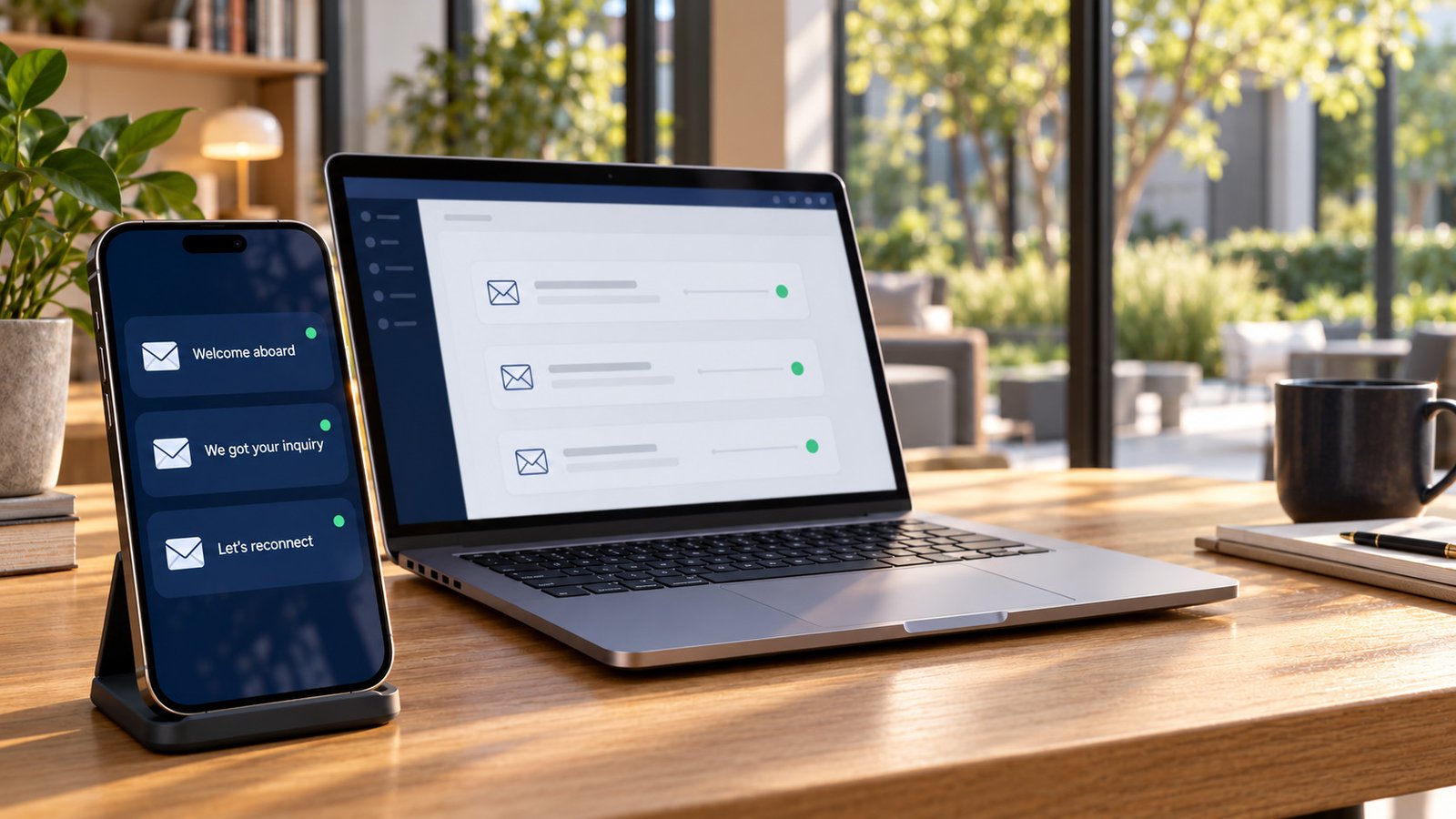
Most small business owners and nonprofit leads think of email as a newsletter problem. Write something, schedule it, hope people open it. The data tells a different story about where the actual money and momentum come from. Automated, trigger-based emails made up just 2% of all sends in 2025, yet they drove 30% of email-driven revenue. That’s not a small gap. That’s a signal that most teams are pouring their limited time into the wrong 98%.
If you run a small sports club, a youth league, or a service business with no dedicated marketing staff, this matters more than it sounds like it should. You don’t have the bandwidth to write clever weekly content. You do have the bandwidth to build three automations, once, and let them run. Here’s the math behind why that trade is worth making.
Why Automated Email Beats the Newsletter, By the Numbers
The revenue-per-send gap between automated and one-off emails isn’t subtle. One analysis found automated emails generated $2.87 in revenue per send compared to $0.18 for one-off campaigns, a difference of roughly 16 times. A separate dataset, pulling from 470 million automated sends across more than 27,000 brands, found an even wider gap: $3.41 per automated send versus $0.155 for scheduled campaigns [1].
These numbers come from ecommerce, so don’t read them as a guarantee of dollars for a nonprofit or a service business. Read them as a directional truth: the value isn’t in your revenue category, it’s in the mechanism. A newsletter goes out on your schedule, whether or not the reader cares right now. An automated email goes out the moment someone raises their hand, whether that’s filling out a form, joining your list, or booking a call. Relevance beats frequency, every time.
Translate that into your world. A “sale” might be a booked consultation. A “conversion” might be a completed donation or a qualified inquiry. The mechanism that makes automation outperform broadcast email doesn’t care what industry you’re in. It cares about timing.
The Welcome Email: Your Highest-Leverage Send
If you only build one automation, build this one. Welcome emails, the message that fires the moment someone joins your list or signs up for something, consistently punch above their weight. One benchmark set puts welcome email performance at a 35.53% open rate, a 3.94% click rate, and $6.16 in revenue per email [1]. Another dataset, pulled from a pool of 4.4 billion emails, found welcome emails opened at 83.63% with a 16.6% click-through rate, compared to overall averages of 39.64% open and 3.2% click-through [2].
Those two numbers don’t agree with each other exactly, and that’s worth being honest about. But they agree on the direction: welcome emails outperform ordinary sends, often by a wide margin. Why? Because the person just took an action. They’re paying attention. They expect to hear from you. You’re not interrupting them, you’re confirming something they already did.
For a small sports nonprofit, this is the moment someone signs up for a newsletter list, registers a kid for a camp, or fills out a volunteer form. One email, built once, fires every single time without anyone remembering to send it.
The Form-to-Inbox Flow: Speed Is the Whole Game
Here’s where most small organizations bleed opportunity without realizing it. A lead fills out a form on your site. Nobody checks the inbox until Thursday. By the time someone replies, the parent, donor, or prospective client has already moved on.
Current guidance puts the speed-to-lead target at five minutes or less for an initial response, with automated acknowledgment possible within seconds. That sounds aggressive until you see the older, landmark research behind it. A widely cited study found that contacting a lead within five minutes made a successful connection about 100 times more likely, and qualification about 21 times more likely, than waiting just 30 minutes. That’s legacy data, not a fresh 2026 study, but the underlying behavior it describes, people lose interest fast, hasn’t changed.
A form-to-inbox automation solves this without asking a volunteer or an overworked staffer to babysit an inbox. Someone fills out a form. The system logs it, sends an instant confirmation, and notifies the right person immediately. No one has to remember to check anything. If leads sit in a form for two days before anyone follows up, that’s not a staffing problem. That’s a system leak, and it’s fixable in an afternoon.
The Win-Back Flow: Cheap Insurance Against a Dying List
Every list has people who stop paying attention. Ninety days without a meaningful click or open is a common, practical threshold for calling a contact inactive. Left alone, those dead contacts don’t just sit there quietly. They drag down your open rates, mess up your reporting, and in some cases hurt your deliverability with the inbox providers deciding whether your emails land in the inbox or the spam folder.
A win-back automation is simple by design. After a set period of silence, one email goes out, asking the person to re-engage or confirming they’d rather stop hearing from you. That’s it. It’s not glamorous, but it’s cheap insurance, and it keeps your list honest.
List hygiene sounds like a technical chore, but for a small team, it’s really a reputation issue. Your email provider is watching how people interact with what you send. A list full of ghosts makes every email you send, automated or not, less likely to land.
What a Newsletter Actually Costs You
Here’s the part nobody accounts for when they commit to a monthly newsletter: the human cost. A single monthly send typically requires someone to gather content, write it, build the email, check it, pick a send time, schedule it, review it again, and then repeat the whole process next month. That’s roughly seven or eight manual steps, done by a person, on a deadline, forever.
Compare that to an automation. You build it once. It fires every time the trigger happens, whether that’s ten times a month or two hundred. Nobody has to remember it exists.
This is the real distinction worth sitting with: a newsletter is editorial content. An automation is infrastructure. Editorial content is valuable, but it depends entirely on a person remembering to produce it on schedule. Infrastructure doesn’t ask anything of anyone once it’s built. For a small team already stretched across ten other jobs, infrastructure wins.
Building the Minimum System, Without an Enterprise Platform
None of this requires a bloated marketing suite built for companies ten times your size. The minimum viable version looks like this:
- A form on your website connects to a simple CRM or contact list
- A welcome email fires automatically the moment someone joins
- A confirmation and internal notification fire the moment a form gets submitted
- A win-back email fires automatically after roughly 90 days of silence
That’s four moving parts, not forty. A volunteer running your club’s communications shouldn’t have to remember any of it. That’s the whole point. Publish something once, and let the system handle the delivery. No one should be in the send-button business when the send button can run itself.
Frequently Asked Questions
Do I need all three automations, or can I start with one?
Start with the welcome email. It’s the fastest to build and the one most likely to show a quick lift in engagement, given how strongly welcome sends outperform ordinary broadcasts [3][2][1]. Add the form-to-inbox flow next, since slow lead response is where most small organizations quietly lose people.
How is this different from just sending a good newsletter?
A newsletter depends on someone remembering to write and send it every month. An automation fires based on a person’s action, not a calendar date, which is why it consistently earns more per send than one-off campaigns [4][5]. They’re not competitors exactly, but if you can only maintain one, automation gives you more return for less ongoing effort.
What counts as a “trigger” for a small nonprofit or sports organization?
Anything a person actively does: signing up for a mailing list, registering for a camp or league, submitting a contact form, or donating. Each of those moments is an opportunity for an immediate, relevant email instead of a delayed, generic one.
How fast does a form response actually need to be?
Five minutes or less is the current common standard, and automated acknowledgment can happen within seconds. Older research found contacting a lead within five minutes made a real connection about 100 times more likely than waiting half an hour, which is a dramatic enough gap that it’s worth treating speed as a priority, not an afterthought.
Where to Go From Here
You don’t need a content calendar overhaul or a new marketing hire to fix this. You need three automations built once, correctly, so they keep working without anyone remembering to hit send. If you’re not sure where your own system leaks, the fastest first step is a simple audit: trace what actually happens between the moment someone fills out a form and the moment your team responds. If there’s a gap of hours or days in that chain, you’ve found your starting point. For firms that live on repeat clients and referrals, like accounting, law, and consulting firms, these automations are usually the least expensive new revenue available.
Sources
- Email Automation Benchmarks 2026 — Research Report | Stripo(research.stripo.email)
- 85+ Email Subject Line Statistics for 2026: Open Rates … (misstechy.com)
- 15 Email Subject Lines That Get Opened (With Click Rate Data) (writemail.ai)
- 61 Email Marketing Statistics for Ecommerce (2026) – Shopify Nigeria(shopify.com)
- 61 Email Marketing Statistics for Ecommerce (2026) – Shopify Nigeria(shopify.com)
Researched from 13 vetted sources · average source authority DR 69
Independently verified
The statistics above were independently corroborated against these sources:
- omnisend.com (DR 87)
- helloretail.com (DR 54)
- getresponse.com (DR 89)
- research.stripo.email (DR 78)
Lead Engine Scorecard
How does your marketing score?
Ten questions, three minutes. You get your score and the three fixes that matter most, plus occasional articles on generating more leads.